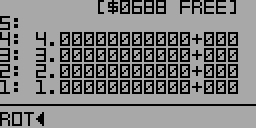
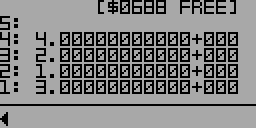
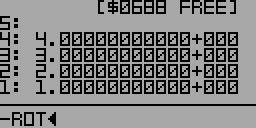
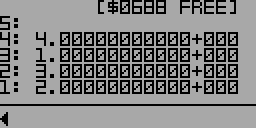
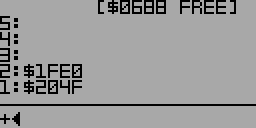
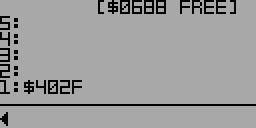
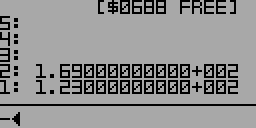
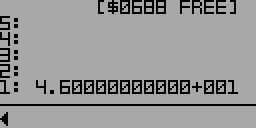
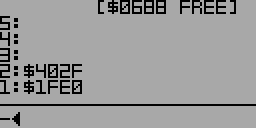
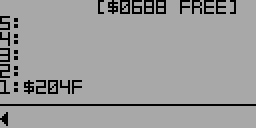
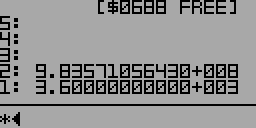
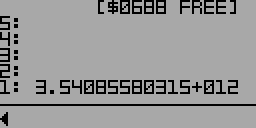
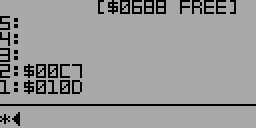
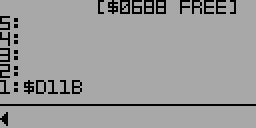
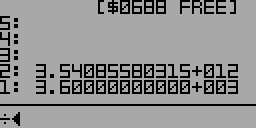
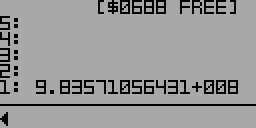
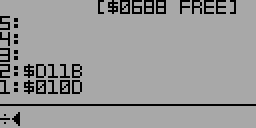
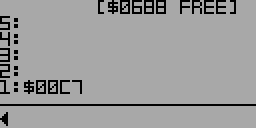
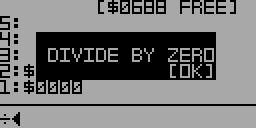
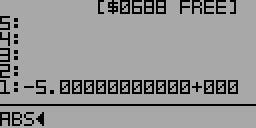
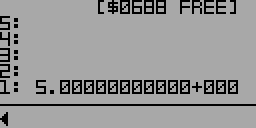
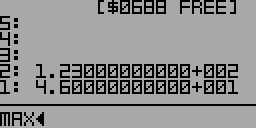
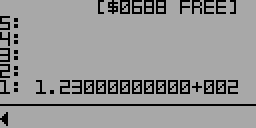
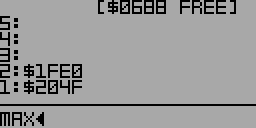
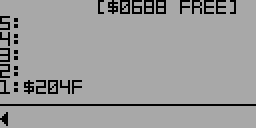
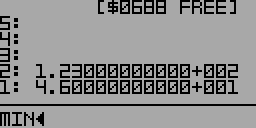
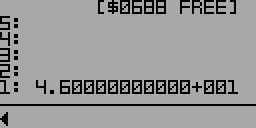
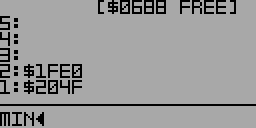
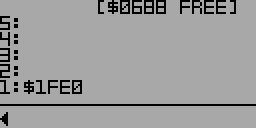
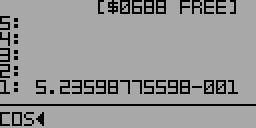
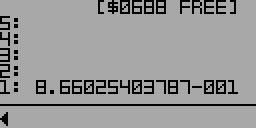
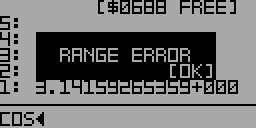
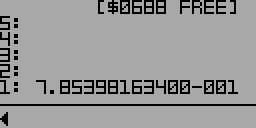
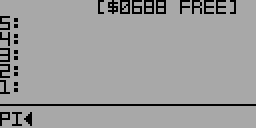
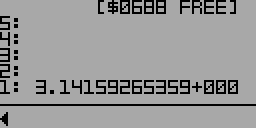
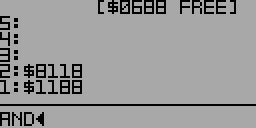
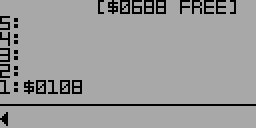
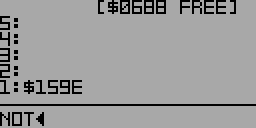
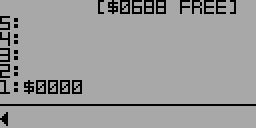
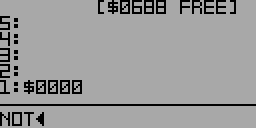
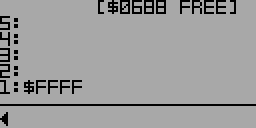
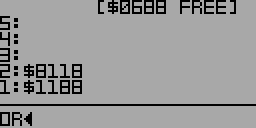
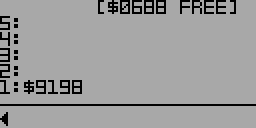
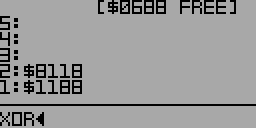
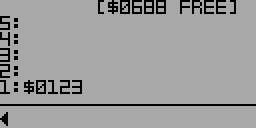
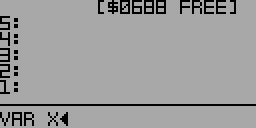
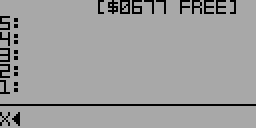
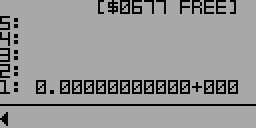
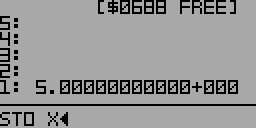
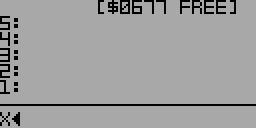
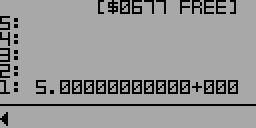
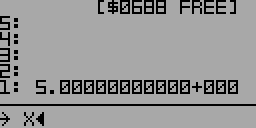
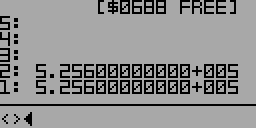
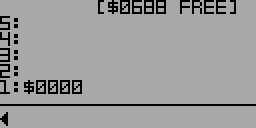
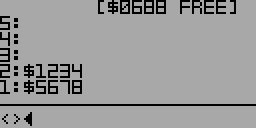
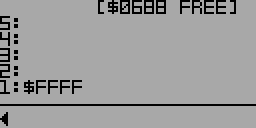
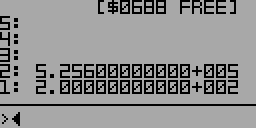
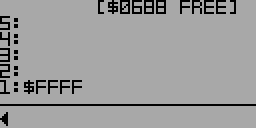
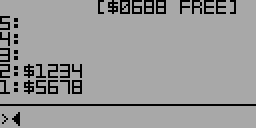
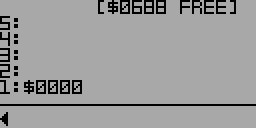
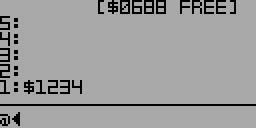
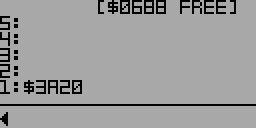
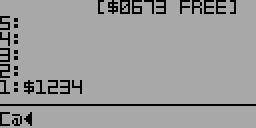
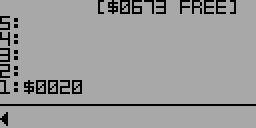
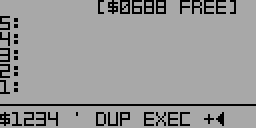
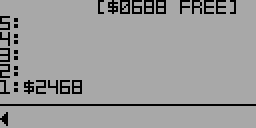
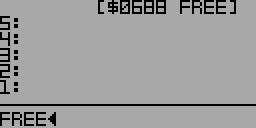
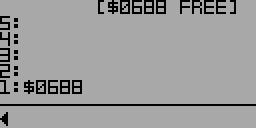
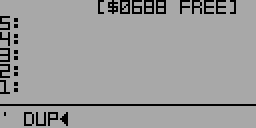
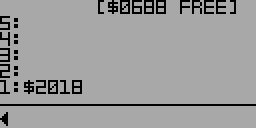
Stores the first item on the stack in the following variable. If the variable doesn't exist, it's created. Inside of a word definition, the variable must already exist before being used with STO. Pressing Shift+S produces the symbol 🡪 which is a shortcut for STO.
Exits the currently executing word. Continues execution of calling word if it exists. Calling EXIT from inside a DO loop is safe. There is no UNLOOP word required before exiting a loop. Compile-only word
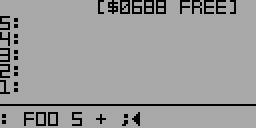
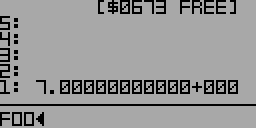
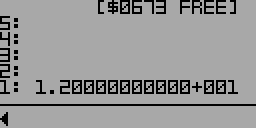
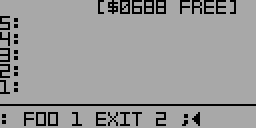
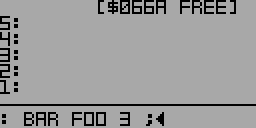
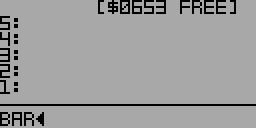
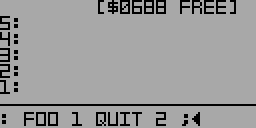
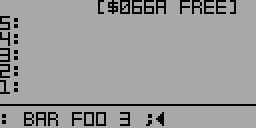
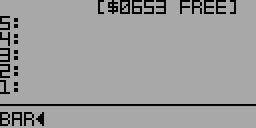
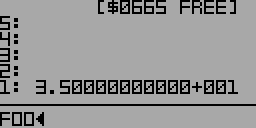
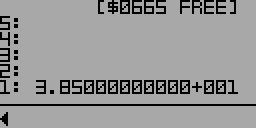
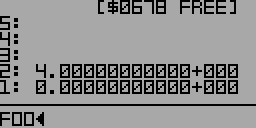
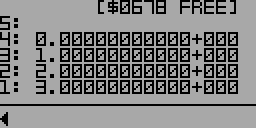
Example: Defining a new word FOODefining a word containing FOO
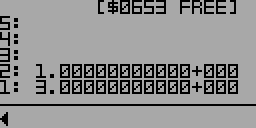
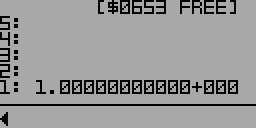
Running barFOO exits early. Bar continues running.
Tests the first item on the stack and skips to THEN if false. Compile-only word
Example:
First, define a new word FOO:
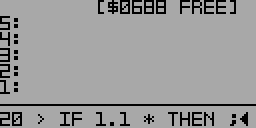
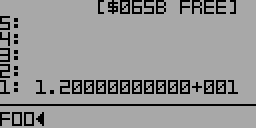
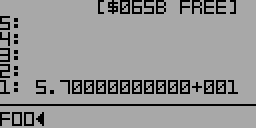
: FOO DUP 20 > IF 1.1 * THEN ;
Defining FOO (partial view)
DUP makes a copy of the first item on the stack. > compares the item to 20. If larger than 20, it's multiplied by 1.1. If not, the steps between IF and THEN are skipped.
Marks an alternative block to be executed if an IF statement is false.
Must come between IF and THEN. Compile-only word
Example:
First, define a new word FOO:
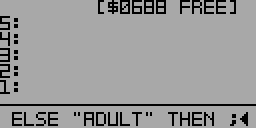
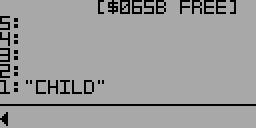
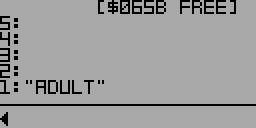
: FOO 18 < IF "CHILD" ELSE "ADULT" THEN ;
Defining FOO (partial view)
FOO compares the first item on the stack to 18. If it's less, the string "CHILD" is pushed onto the stack. Otherwise, "ADULT" is pushed onto the stack.
Marks the end of a conditional block begun by IF. Compile-only word
Example:
First, define a new word FOO:
: FOO DUP 20 > IF 1.1 * THEN ;
Defining FOO (partial view)
DUP makes a copy of the first item on the stack. > compares the item to 20. If larger than 20, it's multiplied by 1.1. If not, the steps between IF and THEN are skipped.
Loops from the first value on the stack up to but not including the second value on the stack. Four levels of nested DO loops are supported. Calling EXIT from inside a DO loop is safe. There is no UNLOOP word required before exiting a loop. Press ESC to exit the loop early and halt execution. Compile-only word
Marks the end of a loop begun with DO. Four levels of nested DO loops are supported. Calling EXIT from inside a DO loop is safe. There is no UNLOOP word required before exiting a loop. Press ESC to exit the loop early and halt execution. Compile-only word
Example:
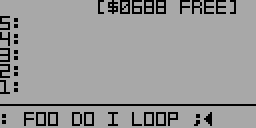
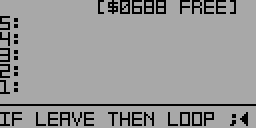
First, define a new word FOO with a DO loop:
: FOO 0 8 1 DO I + I 4 = IF LEAVE THEN LOOP ;
Defining FOO (partial view)
FOO pushes a 0 on the stack to use as a counter. DO iterates from 1 to 7. I+ adds the loop value to the counter on the stack. I 4 = compares the loop value to 4, and when it's equal, LEAVE exits the loop. As a result, FOO sums the values from 1 to 4 and exits the loop without summing 5, 6, or 7.
Pushes the loop value of a second-level DO loop onto the stack. Compile-only word
Example:
First, define a new word FOO with two nested DO loops:
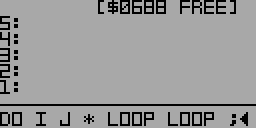
: FOO 9 7 DO 5 3 DO I J * LOOP LOOP ;
Defining FOO (partial view)
The outer DO loop iterates from 7 to 8 and the inner loop iterates from 3 to 4. The first time through, I pushes 3 onto the stack and J pushes 7. * link multiplies the two values together and leaves 21 on the stack. The next iterations push the results of 4*7, 3*8, and 4*8.
Pushes the loop value of a third-level DO loop onto the stack. Compile-only word
Example:
First, define a new word FOO with three nested DO loops:
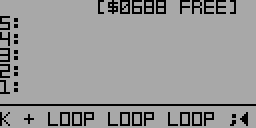
: FOO 9 8 DO 7 6 DO 5 3 DO I J * K + LOOP LOOP LOOP ;
Defining FOO (partial view)
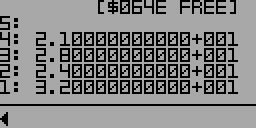
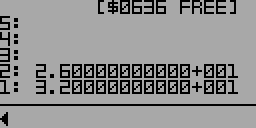
The outer DO loop iterates only once with the value of 8 and the second-level loop iterates once with the value 6. (Loops usually iterate more than once, but these are kept short for example's sake.) The innermost loop iterates from 3 to 4. The first time through, I pushes 3 onto the stack and J pushes 6. * multiplies the two values together yielding 18. K pushes 8 onto the stack and + adds 8 to 18 leaving 26 on the stack. The next iteration pushes the result of 4*6+8.
Marks the beginning of a BEGIN/AGAIN infinite loop or the beginning of a BEGIN/UNTIL conditional loop. Press ESC to exit the loop early and halt execution. Compile-only word
Example:
First, define a new word FOO with an infinite BEGIN/AGAIN loop:
: FOO BEGIN 1 + AGAIN ;
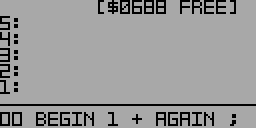
Defining FOO (partial view)
Running FOO will add one to the first item on the stack continuously until ESC is pressed halting execution. EXIT and QUIT will also exit a BEGIN/AGAIN loop.
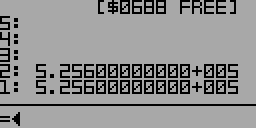
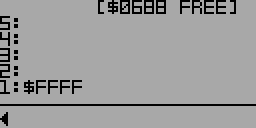
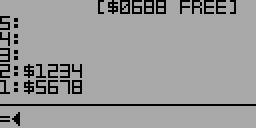
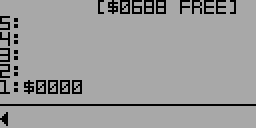
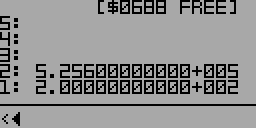
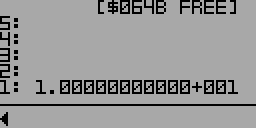
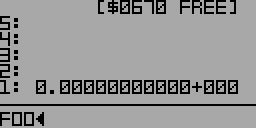
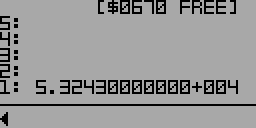
Before running FOOAfter running FOO then pressing ESC
Next, define a new word BAR with a conditional BEGIN/UNTIL loop:
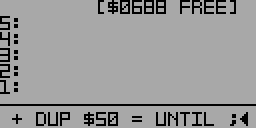
: BAR BEGIN $1 + DUP $50 = UNTIL ;
Defining BAR (partial view)
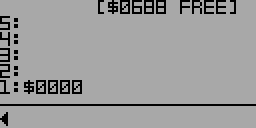
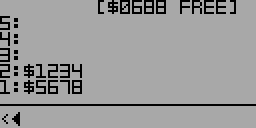
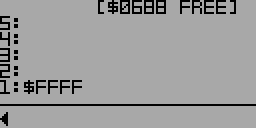
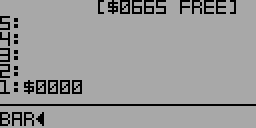
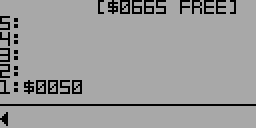
Running BAR will add $1 to the first item on the stack until it's equal to $50. Pressing ESC or executing EXIT or QUIT will exit a BEGIN/UNTIL loop early.
Marks the end of an infinite loop begun with BEGIN. Press ESC to exit the loop early and halt execution. Compile-only word
Example:
First, define a new word FOO with a BEGIN/AGAIN loop:
: FOO BEGIN 1 + AGAIN ;
Defining FOO (partial view)
Running FOO will add one to the first item on the stack continuously until ESC is pressed halting execution. EXIT and QUIT will also exit a BEGIN/AGAIN loop.
Before running FOOAfter running FOO then pressing ESC
Marks the end of a conditional loop begun with BEGIN. Press ESC to exit the loop early and halt execution. Compile-only word
Example:
First, define a new word BAR with a conditional BEGIN/UNTIL loop:
: BAR BEGIN $1 + DUP $50 = UNTIL ;
Defining BAR (partial view)
Running BAR will add $1 to the first item on the stack until it's equal to $50. Pressing ESC or executing EXIT or QUIT will exit a BEGIN/UNTIL loop early.
To store values in variables, use STO instead. Only use ! for low-level system access.
If value to be written is smart hex, it will not be automatically updated during garbage collection after being written!
Stores the second stack item at the address pointed to by the first stack item.
Example: Drawing pixels to the screen
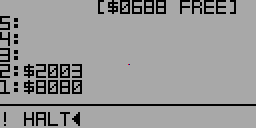
In this example, ! stores the 16-bit value $2003 at address $8080, which is mapped to two pixels at the center of the screen in the simulator as shown above. Since each pixel is mapped to one byte, storing $2003 writes $03 (the code for red) to the first pixel and $20 (the code for dark blue) to the following pixel. HALT pauses the simulation here so that the pixels are visible before the screen is redrawn.
To store values in variables, use STO instead. Only use C! for low-level system access.
If value to be written is smart hex, it will not be automatically updated during garbage collection after being written!
Stores the low byte of the second stack item at the address pointed to by the first stack item.
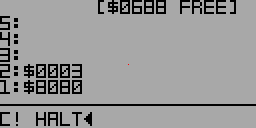
Example: Drawing a red pixel to the screen
In this example, C! stores the 8-bit value $03 (the code for red) at address $8080, which is mapped to the pixel at the center of the screen in the simulator as shown above. HALT pauses the simulation here so that the pixels are visible before the screen is redrawn.